
Webhook History
You can access detailed webhook delivery logs directly in the app.-
View Attempt History:
Check all webhook deliveries, their status (success/failure), response codes, and detailed payloads. -
Filter By Date & Granularity:
Quickly filter attempts by specific time windows and aggregation levels (minutes, hours, days).
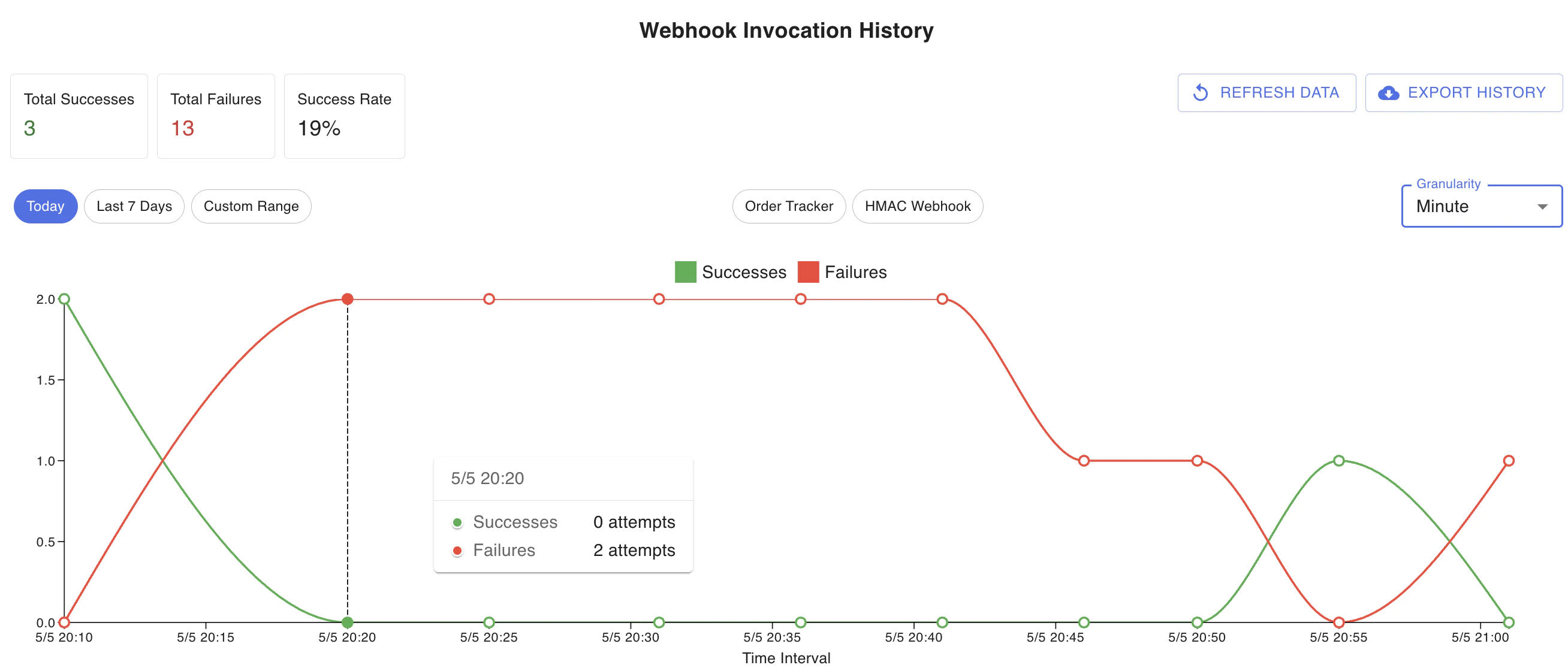
Exporting Webhook Attempts
You can export webhook attempt logs to Excel for further analysis and reporting. This helps:- Debug delivery issues.
- Share logs with your engineering or support teams.
- Perform in-depth analysis offline.
Retry and Dead Letter Queue
ParcelTracer automatically retries webhook deliveries up to 5 times if the initial attempt fails.- Failed deliveries beyond 5 retries are placed in the Dead Letter Queue (DLQ).
- The DLQ is visible in the app under Webhook Monitoring.
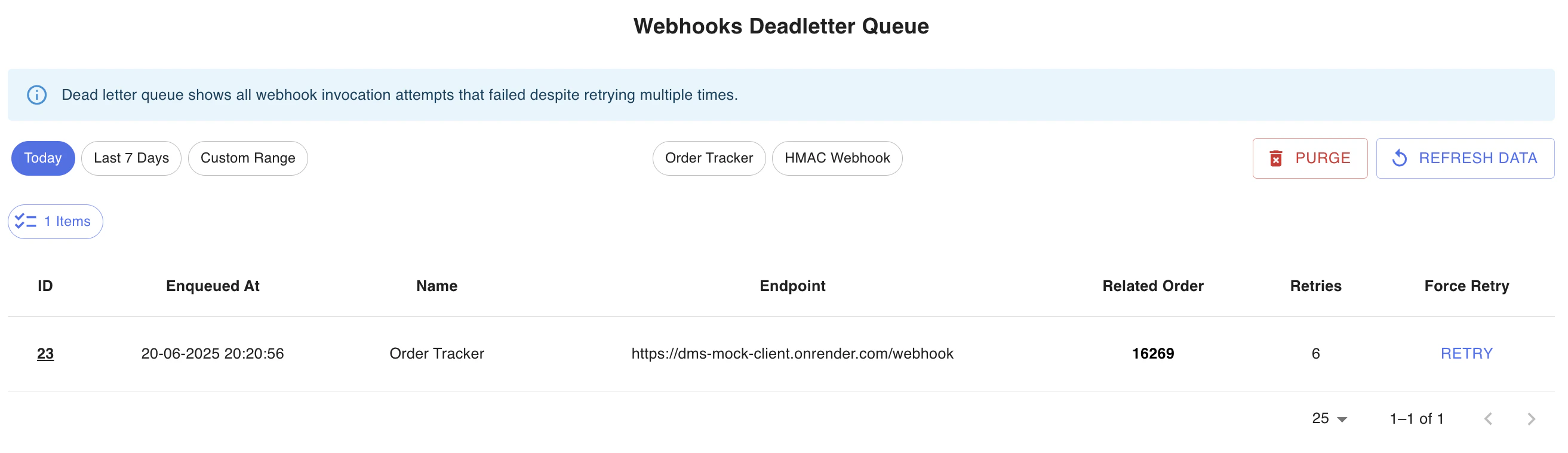
- 🗑️ Purge failed attempts.
- 🔄 Manually retry individual deliveries.
Best Practices
- Monitor webhook failures regularly.
- Investigate dead letter queue items.
- Keep an eye on response times and failure rates.
You’re All Set!
You now know how to:- Register webhooks.
- Secure them.
- Monitor and troubleshoot them.